Seedance 2.0 Mini AI Video Generator
Create short AI videos from text or images. Add camera movement, keep characters consistent, and export 4-15 second clips for ads, social posts, or story ideas. Start with 30 free credits. No card required.
30 free credits on sign-up | Credits never expire | No subscription
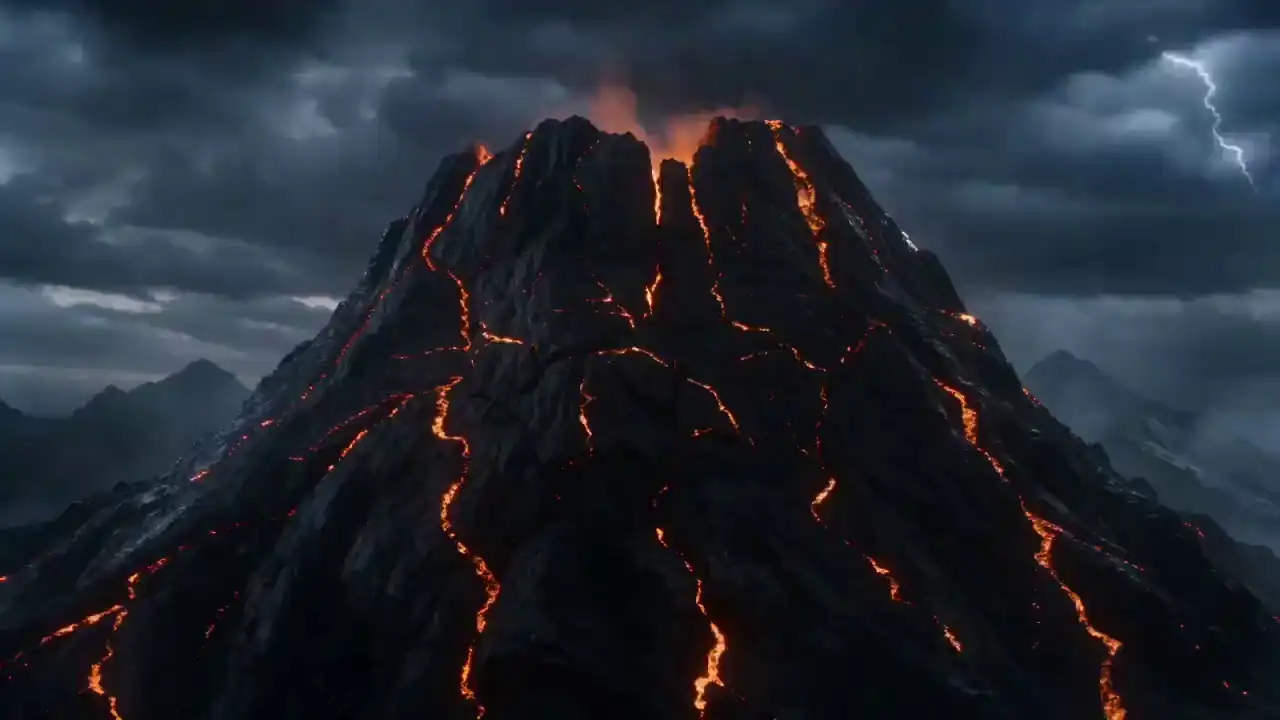
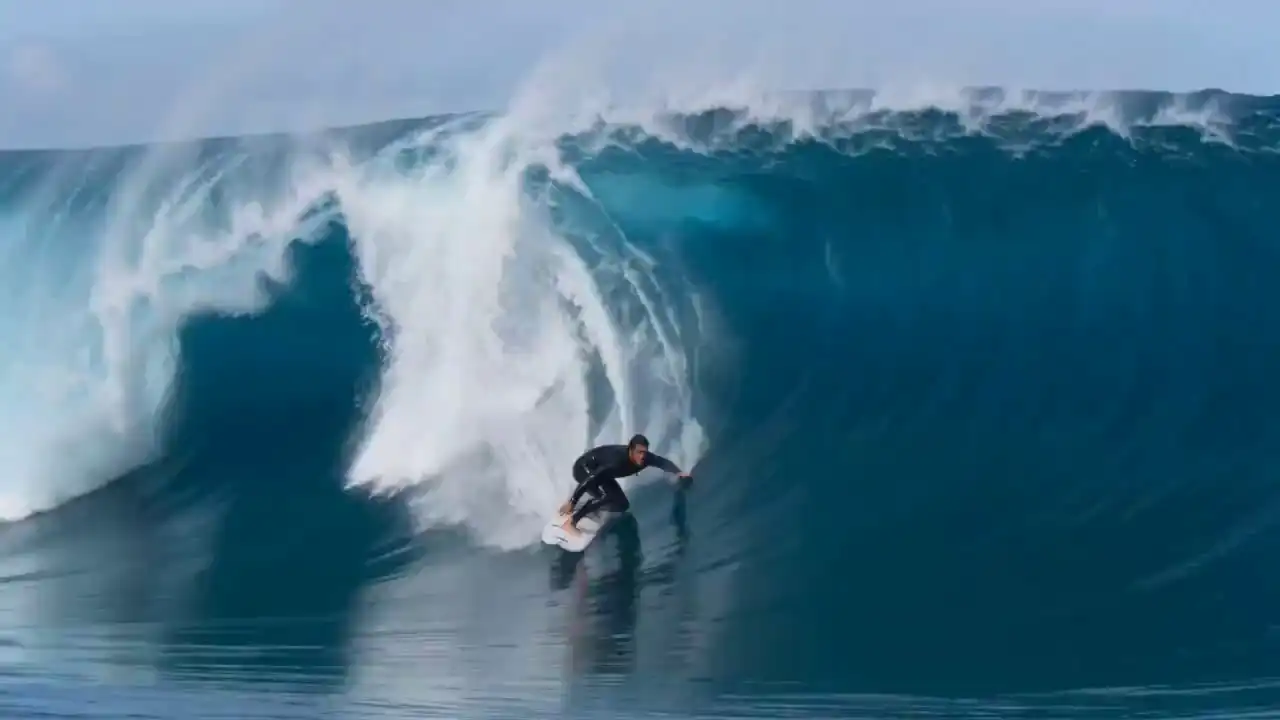
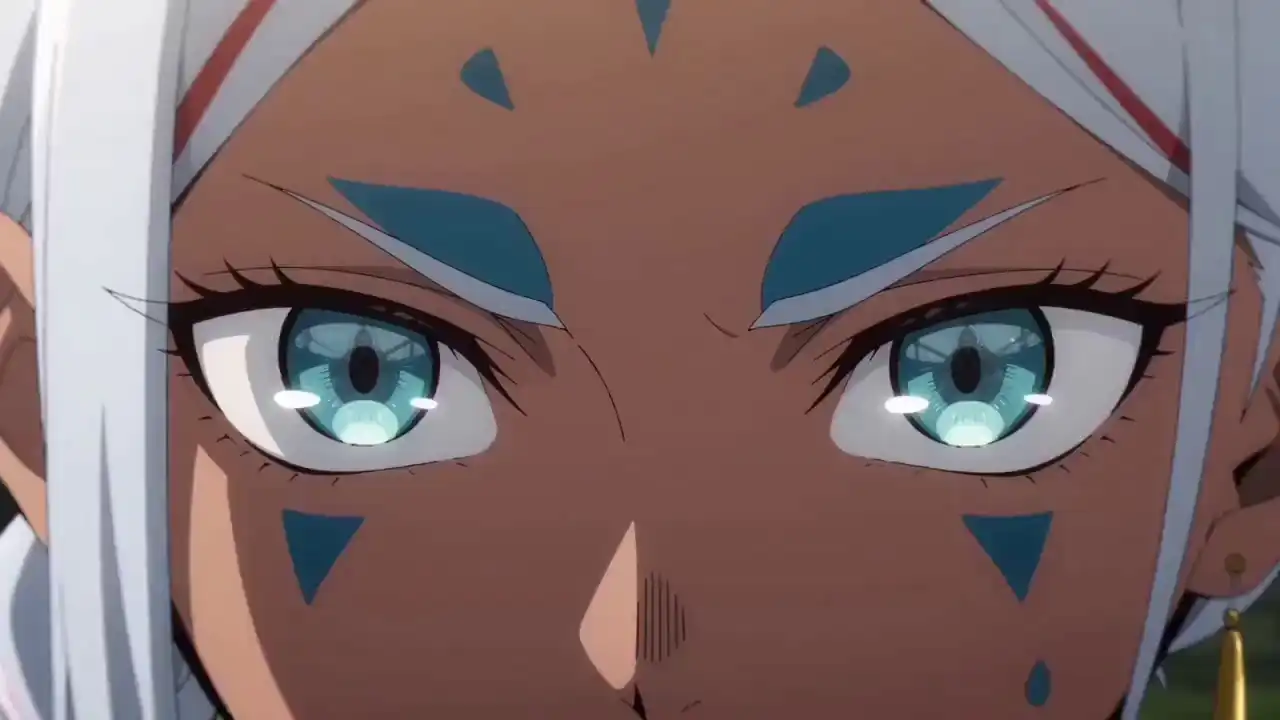
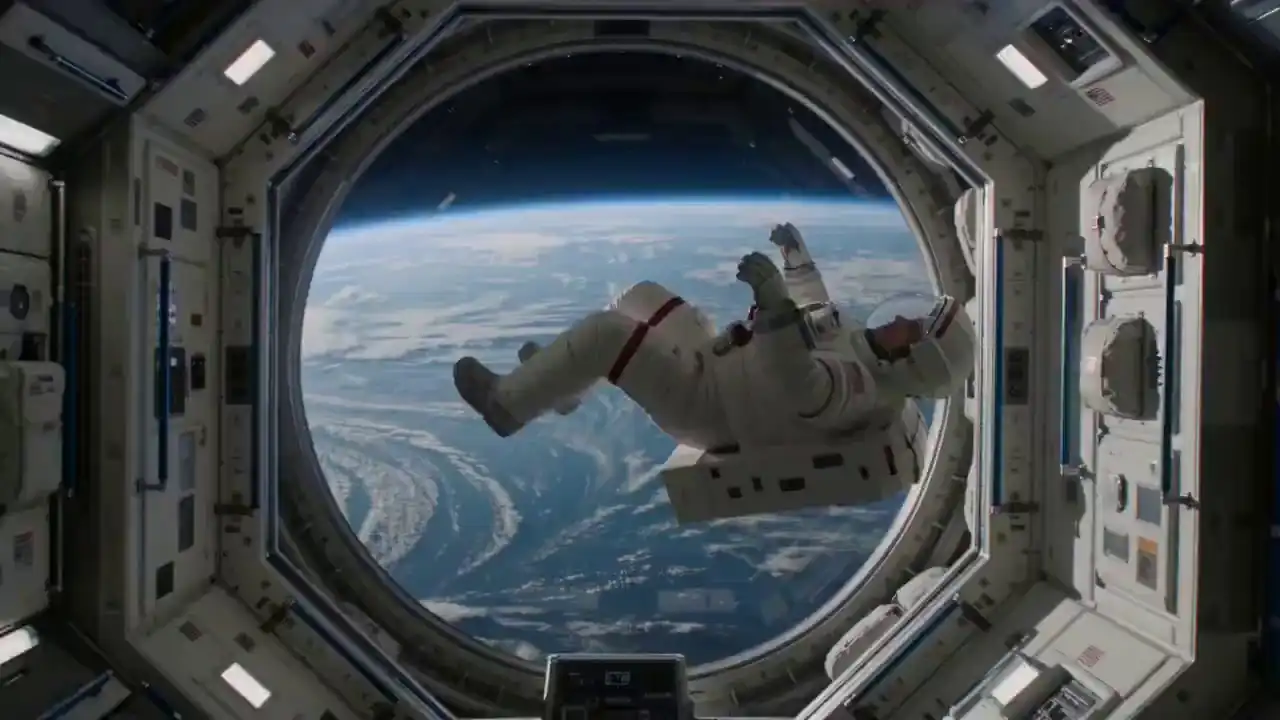

Try it free — 30 credits on signup
Text to Video and Image to Video with Seedance 2.0 Mini
Describe your scene, upload a photo, or choose a reference file. Seedance 2.0 Mini creates short AI videos with no cameras, actors, or editing software.
Text-to-Video
Use a prompt to describe the scene, camera movement, action, lighting, and style.
Image-to-Video
Upload a reference image or first and last frames, then animate the subject into a 4-15 second clip.
Reference Media
Add reference media for character consistency, visual style, product details, or audio direction.

Pro Tips
- 480p is best for quick previews; 720p balances quality and speed.
- Be specific about camera movement, lighting, and subject action for sharper results.
- Use Image To Video when you have clear start and end frames with similar composition.
- In Reference mode, tag each asset in your prompt as @image1, @video1, or @audio1.
- Videos can run 4 to 15 seconds — longer durations use more credits but allow for fuller multi-shot sequences.
What Is Seedance 2.0 Mini
What Is Seedance 2.0 Mini? An Online AI Video Generator Built for Fast Testing
Seedance 2.0 Mini is an online AI video generator powered by ByteDance's Seedance model family. You can turn text prompts and reference images into short cinematic videos without cameras, actors, or editing software.
Use it when you want to test prompts, make social clips, compare ad ideas, preview a story, or create product visuals. It is made for quick drafts and repeat testing, so you can try more ideas before choosing the final one.
You can use text-to-video, image-to-video, and reference media modes on this site. The generator supports camera movement, multi-shot scenes, consistent characters, 480p previews, and sharper 720p exports.
< 1 min
Fast cinematic generation
Most Seedance 2.0 Mini prompts finish in under a minute. Test a scene, adjust the prompt, and try again while the idea is fresh.
30 credits
Free starter balance
Try text-to-video and image-to-video before you buy a credit pack.
Multi-shot
Consistent storytelling across scenes
Keep characters, scenes, and style aligned across multiple shots.
Step-by-Step Guide
How to Use Seedance 2.0 Mini AI Video Generator Online
- 01
Create your account
Sign up with your email. No credit card required. Seedance 2.0 Mini gives you 30 free credits right away, enough to create your first short AI video.
- 02
Write your prompt
Describe the subject, action, camera movement, lighting, and style. Seedance 2.0 Mini works better when you add a reference image for character or product consistency.
"A sneaker rotates slowly on concrete. Camera moves from wide to close. Clean studio light. Product ad, 16:9."
- 03
Generate and download
Choose Seedance 2.0 Mini, pick your resolution, then generate. Download your MP4 and use it in a social post, ad, product page, or story draft.
Simple 5-part prompt formula
1
Subject
what's in the scene
2
Action
one clear movement
3
Camera
shot type and motion
4
Lighting
source and mood
5
Style
ad, film, product, or social
Key Features of Seedance 2.0 Mini
Key Features of Seedance 2.0 Mini for Everyday Video Creation
Make short videos from prompts and images. Control camera movement, keep characters consistent, and export clips for social, ads, or product pages.
Multi-Shot Video
Create short videos with more than one shot. Use prompts to guide the scene, pacing, and direction instead of making one isolated clip.
Camera Control
Tell the camera how to move. Use zooms, pans, tracking shots, wide shots, or close-ups to shape the final clip.
Character Consistency
Keep the same person, outfit, or product style across shots. This helps when you are making stories, ads, or branded content.
Prompt-Based Creation
Write what you want to show in plain English. Include the subject, action, camera move, lighting, and style.
Fast Drafts
Most Seedance 2.0 Mini prompts finish in under a minute. Test one idea, adjust your prompt, and run it again.
Social-Ready Formats
Create clips at 720p in 9:16, 16:9, or 1:1. Use them for TikTok, Reels, Shorts, ads, and product pages.
Seedance 2.0 Mini Examples
What Seedance 2.0 Mini Can Generate — Real Prompt Examples
Preview real Seedance 2.0 Mini outputs for prompts, product shots, character clips, and cinematic scenes.
 ▶Tap to play
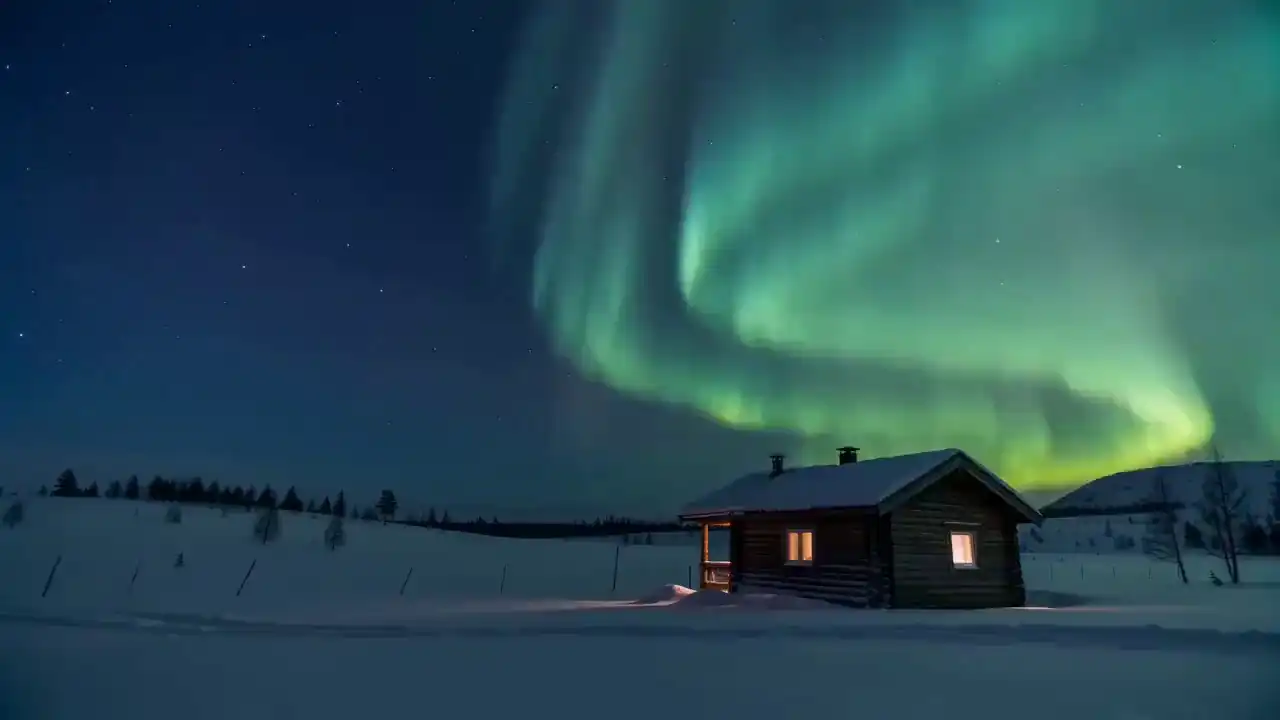
Landscape
Northern Lights Wilderness
A wooden cabin in a snowy wilderness under vibrant aurora borealis at night
 ▶Tap to play
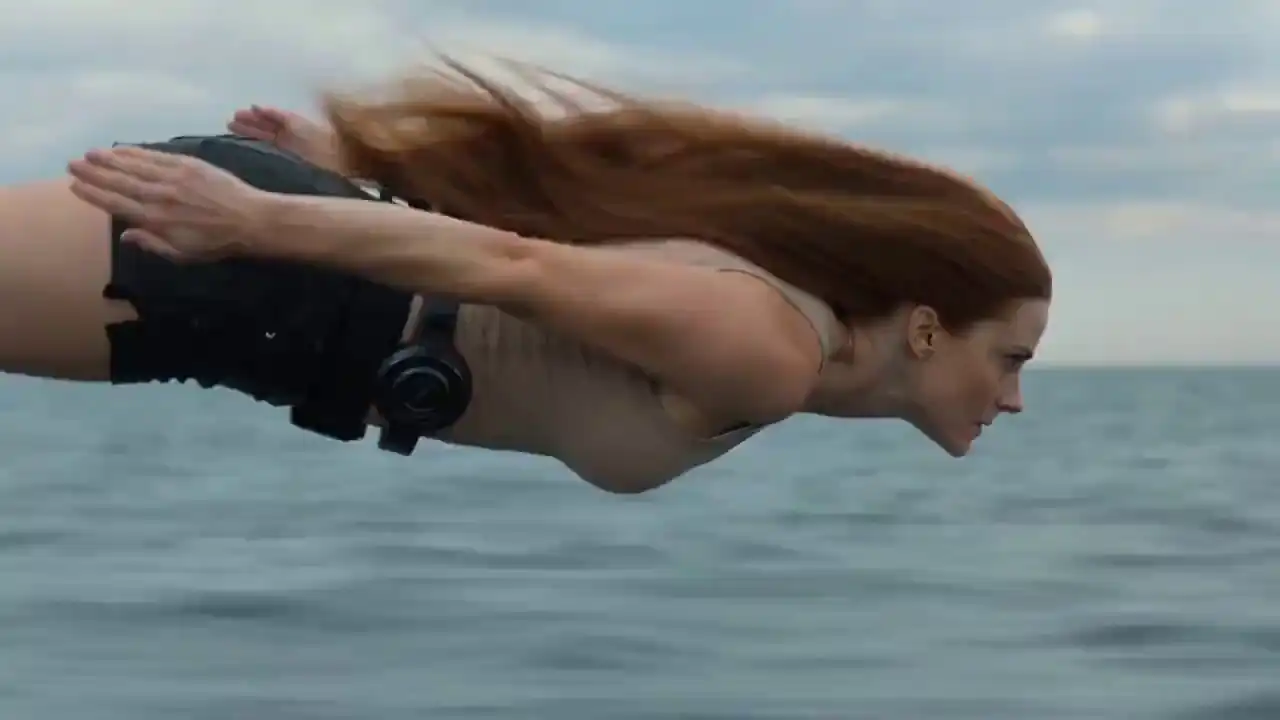
Action
Rescue Dive Sequence
Realistic action of a woman diving into water with cinematic fluid simulations
 ▶Tap to play
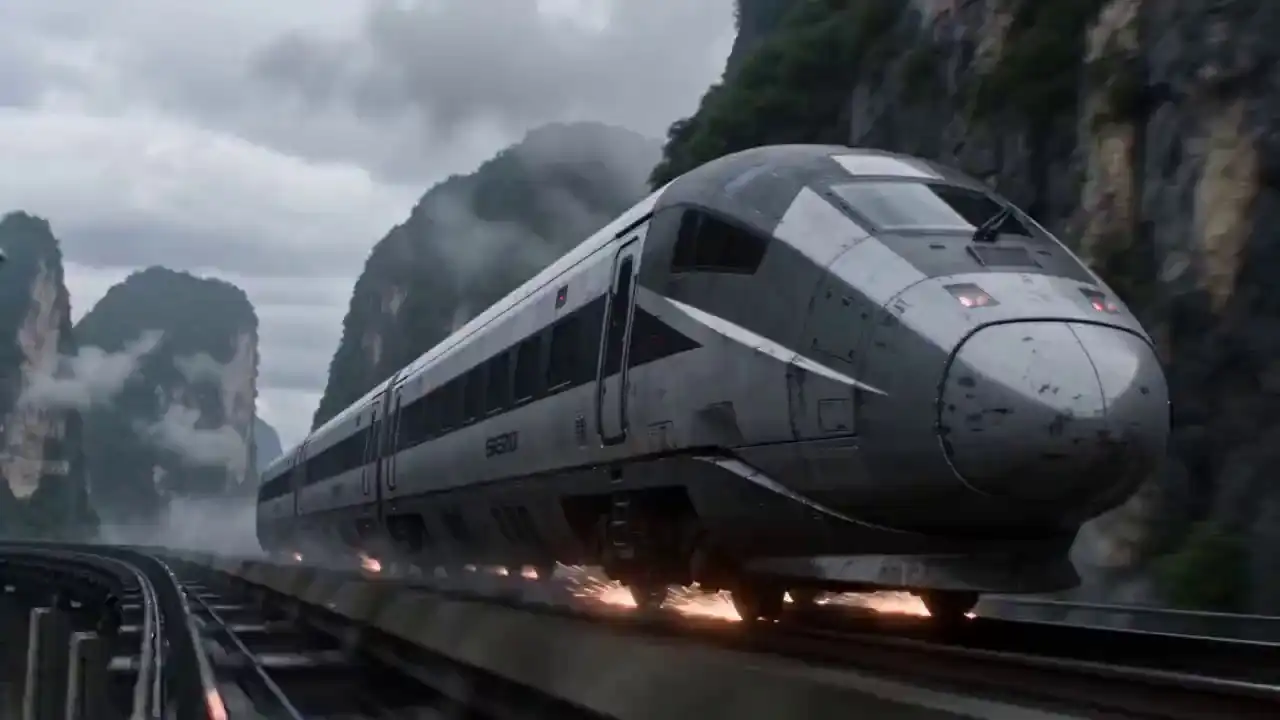
Sci-Fi
Sci-Fi Train Merge
A military aircraft docks and merges with a high-speed train in a cinematic sci-fi scene
 ▶Tap to play
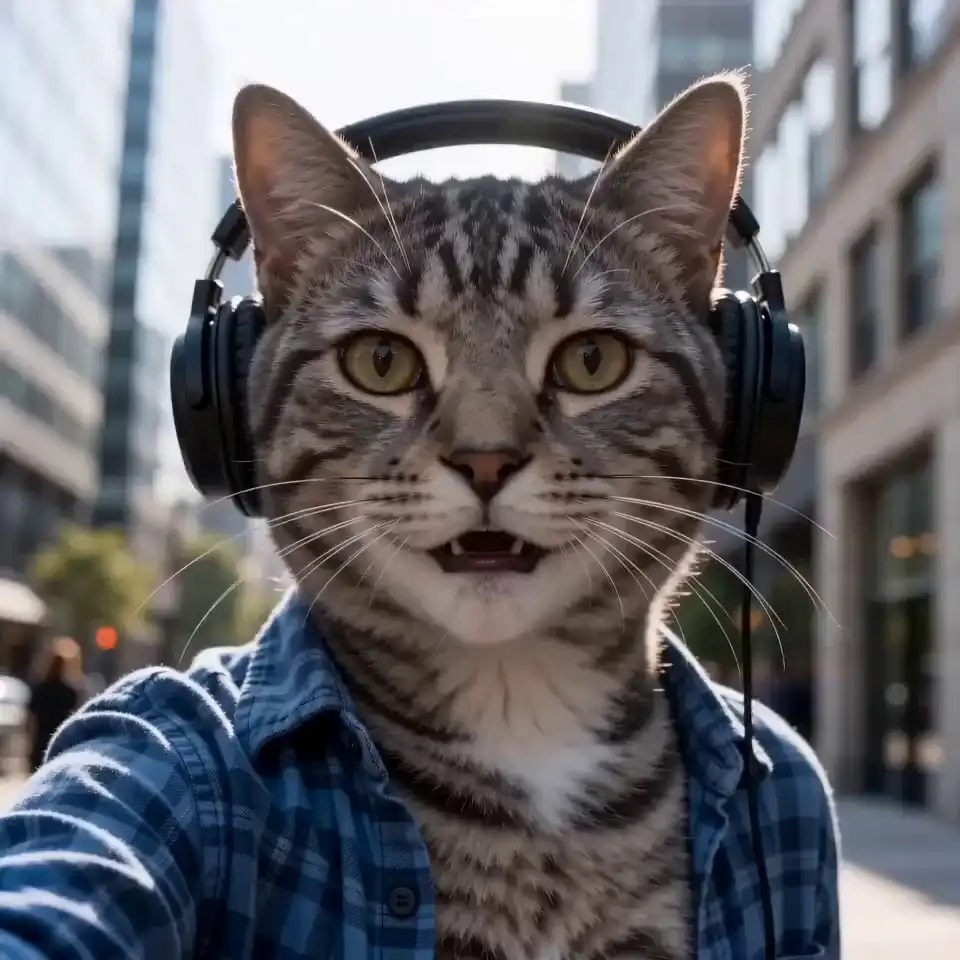
Comedy
Cat Street Vlogger
A tabby cat in a blue shirt records a selfie vlog while walking on a city street
 ▶Tap to play
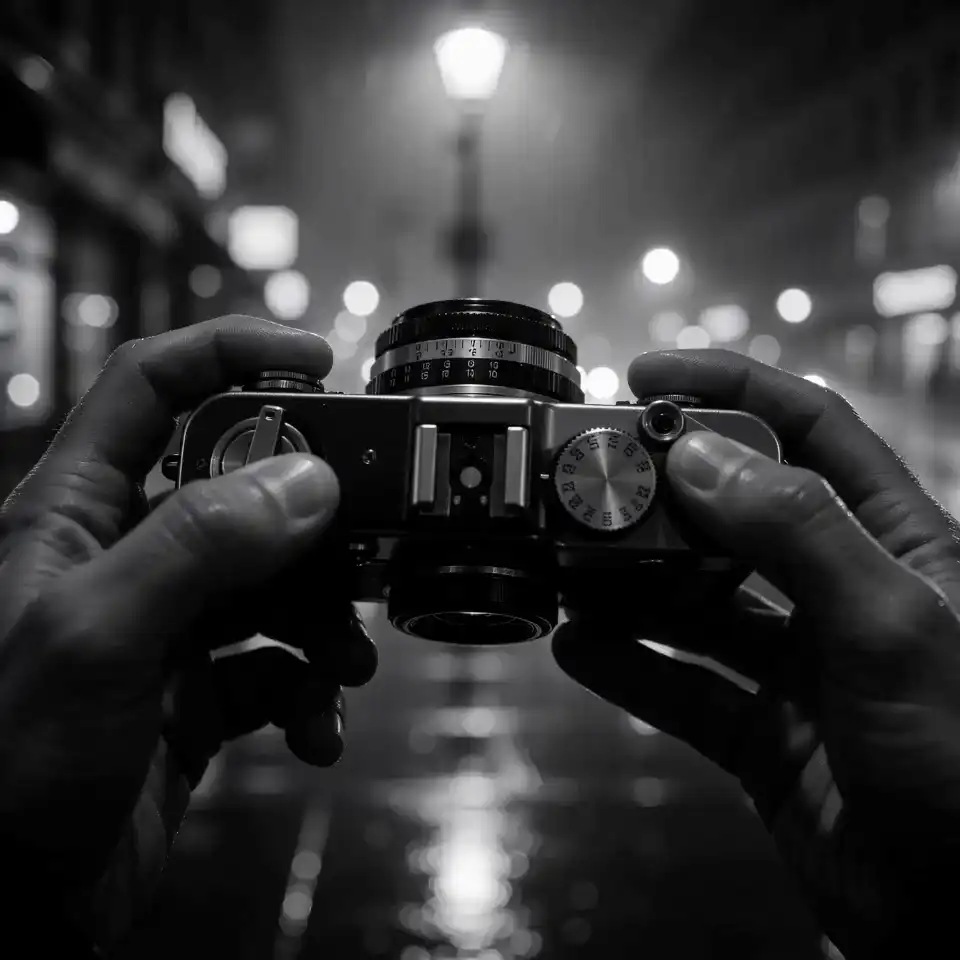
Noir
Urban Noir Street
A retro film camera on a wet noir city street in black and white cinematic style
 ▶Tap to play
Product
Product Night Shot
A luxury brown leather tote bag on a city waterfront at night with a glowing skyline
5–80 credits per video depending on model and resolution
Generate your own Seedance 2.0 Mini videoSeedance 2.0 Mini vs Seedance 2.0
Seedance 2.0 Mini vs Seedance 2.0 Pick the Right Model
Use Mini when you want fast drafts and lower credit costs. Use Seedance 2.0 when you need a more polished final video.
Mini
Faster draftsThe Mini model uses fewer credits and returns results faster. It is a good fit for social clips, prompt tests, and quick previews.
Credit cost
Seedance 2.0
Higher detailSeedance 2.0 costs more credits but supports 1080p and stronger detail. Use it when the video is closer to final.
Credit cost
Use Mini when
- OKYou're testing prompt ideas
- OKYou need social content fast
- OKYou want several versions of one idea
- OKYou need a quick preview for a client or team
Use Seedance 2.0 when
- OKYou need a polished final video
- OKThe scene has complex motion
- OKThe video will be used in a paid campaign
- OKYou need 1080p output
Simple tip
Test your idea in Mini first. If you like the direction, reuse the same prompt in Seedance 2.0 for the final version.
Pricing & Credits
Seedance 2.0 Mini Credits. No Subscriptions,
Just Results.
Get 30 free credits on signup. Recharge anytime with one-time packs — your Seedance 2.0 Mini credits never expire and carry no recurring charges.
Starter
160 cr- 160 credits included
- Commercial use license
- Standard queue speed
- Email support
Standard
580 cr- 580 credits included
- Faster HD generation
- Commercial use license
- Priority queue speed
- Priority support (email)
Pro
1100 cr- 1100 credits included
- Better stability
- Commercial use license
- Faster priority queue
- Priority support
Business
3330 cr- 3330 credits included
- Professional delivery
- Commercial use license
- Fastest queue
- Full effects pack
- 24/7 priority support
How Credits Work
Seedance 2.0 Mini credits are used based on the resolution you choose:
- 480p2 credits per second of video
- 720p5 credits per second of video
Refund Policy
We want you to be happy with Seedance 2.0 Mini results. If you have used less than 10% of your purchased credits, you can ask for a full refund.
Read full refund policy →Frequently Asked Questions
Seedance 2.0 Mini FAQ Credits, Access, Models & More
Get Started Free
Start Generating with Seedance 2.0 Mini — Free Today
Start Seedance 2.0 Mini with 30 free credits. No card required. Credits don't expire.